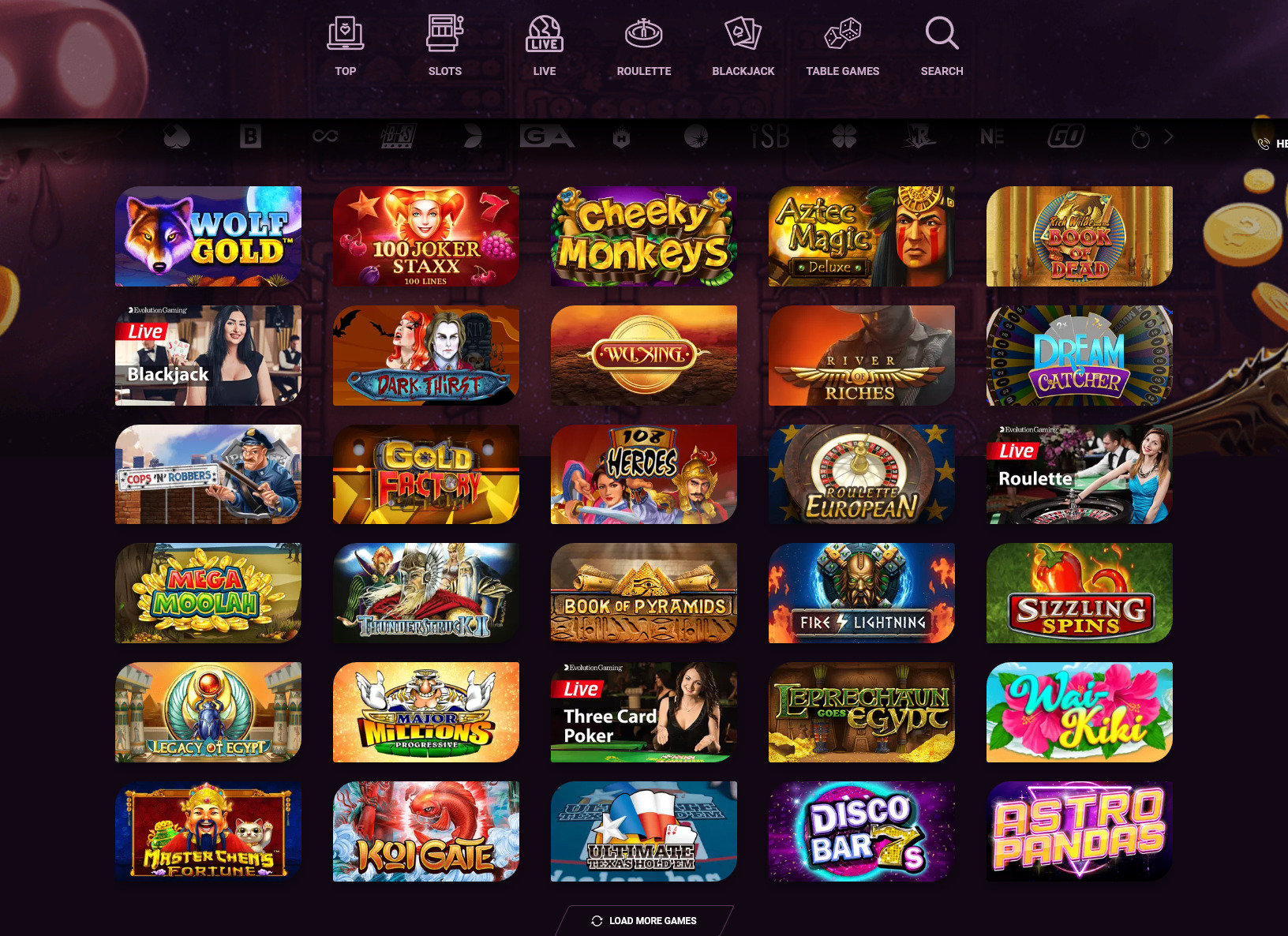
Mobile-first casino design isn’t just a desktop page scaled down casinoslycasinos.com. It’s a way of building login features, games, payments, and support around the screen a player physically uses. At Casinoly Casino, the mobile experience should feel intuitive, fast, and safe, regardless of someone in Greece is monitoring a balance while commuting or betting at home. This guide explains how the app functions, what to check before you install it, and how to judge how well it suits your device and routines.
FAQ
Can the Casinoly Casino app available to players in Greece?
Availability can change by device, app store, and local rules. Greek players should review the official Casinoly Casino page for the current supported route. The page should state whether a native Android or iOS app is offered or whether the mobile website is the intended option. Avoid third-party download sites.
What must I check before installing the app?
Before installing, check the official source, developer name, and minimum operating-system version listed for your device. Examine available storage and whether permissions seem unrelated to casino account access. On Android, sideloading should only use an APK from the official Casinoly Casino page. Turn off unknown-source permission again after installation. On iOS, use the official App Store listing or the supported mobile web route.
Is the mobile app cost anything to download?
A casino app is normally free to download, and Casinoly Casino should not ask for a separate installation fee. Standard mobile data charges from a Greek network operator may still apply. Any deposit, withdrawal, or verification costs should be listed in the cashier or terms before confirmation. View payment requests outside the official cashier as a warning sign.
Does the app use a lot of mobile data?
Data consumption depends on visuals, session length, and whether streaming or live-dealer content is involved. Account screens with text use small amounts of data. Live dealer games and high-res graphics use greater amounts. Greek users can reduce usage by using Wi-Fi for longer sessions, turning off background apps, and opting for reduced graphics where available. Check the phone’s data monitor after a quick session to estimate your typical data use.
What features should a casino app designed for mobile offer?
A well-designed app should keep login, game search, deposit and withdrawal options, and customer support easy to reach without hiding important terms. Look for notification settings, activity history, clear transaction limits, and responsible gaming tools such as session reminders and breaks. Players at Casinoly Casino should also review deposit and withdrawal records and account verification status on the smartphone. Intuitive navigation and visible account controls matter more than flashy design.
How does the mobile experience differ from the desktop version?
The computer version usually provides a wider layout and more convenient navigation across browser tabs. The handheld site prioritizes touch controls, rapid navigation to account actions, and a more streamlined interface. Game selection tends to be alike, but some titles could be adjusted or not accessible on older devices. Greek players need to evaluate cashier steps, verification, and support access on both versions before determining which one fits their routine.
Which safety features are recommended on mobile?
Mobile access encourages to play impulsively, so configure deposit, spending, and time limits before initiating a game. Employ session reminders, notification controls, and logout options to disrupt automatic habits. Casinoly Casino users in Greece need to examine their account history regularly and freeze or shut down the account if play becomes unmanageable. Device-level app timers may provide another layer of protection. Qualified local support services can help when gambling becomes difficult.
Standout In-App Features and Mobile Navigation
A quality casino app allows routine actions faster and still keeps controls visible. Expect Casinoly Casino’s mobile interface to group balance, deposit, withdrawal, game search, and support in a constant menu or bottom bar. Game filters should sort by category, provider, or favourites. Recent activity enables players resume without hunting. Notification settings should be adjustable because constant alerts can divert from limits and time checks. Predictable navigation is important more than flashy animation. Small choices add up when a player opens the app every day.
Mobile-first design should also support safer play inside the app. Check for deposit limits, session reminders, timeout options, and links to responsible-gambling resources in account settings. Those tools shouldn’t be hidden in a footer. Cashier screens should present fees, processing times, and minimum or maximum amounts before confirmation. If a feature is unclear, Greek players should utilize in-app support or live chat before making a transaction. A good app keeps the important details visible when you need them.
How to Get and Configure the Casinoly Casino App Without Risk
The best download route is the official Casinoly Casino website or the official app store page designated by the operator. On Android, the page may supply an APK for direct installation. On iOS, it may send players to the App Store or an official mobile web route. Greek players should check the address, steer clear of shortened links from messages, and go through installation notes before downloading. If no app is provided for a device, the browser version is the supported fallback.
For Android sideloading, obtain the file only from the official source, access it, and allow installs from that source when prompted. After installation, go back to security settings and deactivate the permission again. The app may ask for login, identity verification, or notifications. Give only what’s needed. On iOS, verify the developer name and official link before installing. After either route, log in through the official form and turn on two-factor authentication if available.
Mobile App vs PC Site: What Greek Users Should Look For
The desktop site usually offers a broader perspective, clearer side menus, and easier multitasking with distinct tabs. The mobile version or mobile webpage prioritizes speed, touch controls, and instant access to account functions as a priority. A dedicated app needs periodic updates and consumes storage space. A browser version self-updates and creates minimal files. Game choice should be broadly similar, but certain games may be tuned differently or missing on legacy devices. Greek players should assess payment and identity check steps on both options.
In actual use, consider the Casinoly Casino mobile app as a tool to evaluate, not an automatic improvement. Review official compatibility, install exclusively from official sources, and contrast the mobile experience with the browser version. For users in Greece, the ideal configuration keeps account access clear, clear payment processes, and responsible-play controls easy to reach. Begin with the official site, verify your device is compatible, then decide which route fits your routine. A quick verification now can avoid a problematic installation later.
The reason Mobile-First Design Is Important for Users in Greece
A mobile-first layout positions the functions players repeat most often first: signing in, finding a game, checking limits, making a deposit, and contacting support. On a well-designed casino app, those steps sit within thumb reach. Labels are simple, not buried in dense menus. That is important in Greece, where players may switch between home Wi-Fi and mobile data while travelling. Good design cuts friction without hiding terms, responsible-play tools, or transaction history. The goal is to get players to the next step without guesswork.
Design also impacts trust. A mobile page that loads slowly, shifts buttons unexpectedly, or asks for unnecessary permissions can make a legitimate operator feel uncertain. Casinoly Casino should show the same account protections and verification steps on mobile as on desktop. Clear prompts should come before any installation or payment. Greek players should consider a clean interface as a starting point, not proof of safety. Always confirm you’re using the official Casinoly Casino source.
Performance, Data Consumption, and Safe Gambling on the Go
Speed is influenced by connection quality, device age, and how many games or tabs are open. A mobile casino app should load core screens quickly, recover from a dropped connection, and avoid unnecessary background downloads. Players using mobile data in Greece can reduce usage by preferring Wi-Fi for long sessions, closing unused apps, and lowering in-game graphics where options exist. If the app stutters, clear its cache through device settings or use the mobile browser as a temporary alternative.
Responsible play is harder when a phone makes access constant. Casinoly Casino users should set time and spending limits before a session, not after a loss. They should also adjust notifications that encourage impulsive play. A mobile-first design can help by showing session time, remaining limits, and easy logout controls. Greek players should also consider device-level app timers or focus modes. If gambling stops feeling like entertainment, pause the account and contact a qualified support service instead of chasing losses.
System Requirements and Technical Needs for Casinoly Casino
Casinoly Casino’s mobile offering is built for current smartphones and tablets. The specific compatible operating-system versions can shift as security updates are released. Before you download, check the authorized app page for the latest minimum Android or iOS version, free storage, and any device constraints. Legacy phones may still open the mobile site in a browser though the native app is not available. Greek players should also confirm that device language, region, and payment settings correspond to their account details.
Compatibility goes beyond whether an app launches. It also encompasses screen size, touch response, biometric login, and reliable internet access. A tablet provides a larger game view. A mid-range phone may need minimized animation or lower data use. If the main page indicates no working build, the browser version is typically the better choice. Steer clear of modified installations or third-party stores. Those channels can expose accounts and personal data. That verification needs a minute and can prevent a lot of frustration.